
Move a post office to change which district serves an address
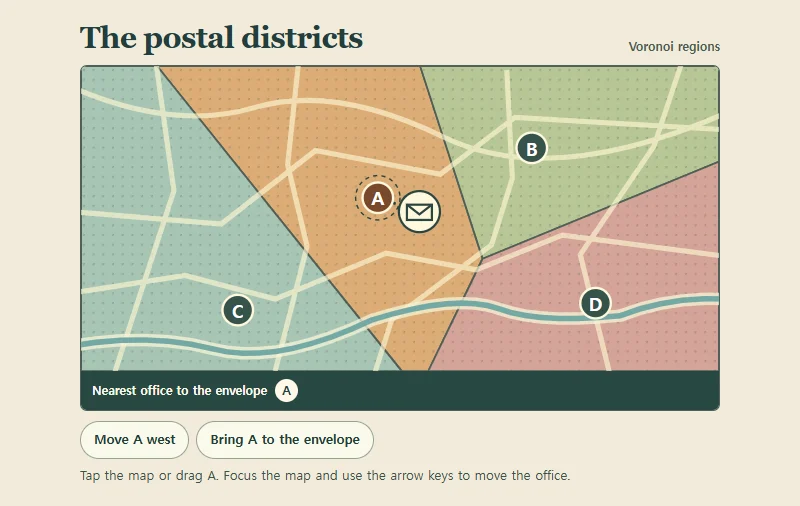
Move office A and the boundaries between all four offices update. A dotted line connects the fixed envelope to its nearest office.
 Try the motion
When to use it
Show which facility is closest to each address as a facility location changes.
How the motion works
Each location belongs to its nearest office by straight-line distance. Only A can move. The other three offices and the envelope remain fixed. With reduced motion, presets move A immediately.
How to use it
- iOS · Android
- Tap anywhere on the map or drag A. Use the two position buttons to compare which office serves the envelope.
- PC
- Focus the map and move A with the arrow keys, or select a position button. You can also click or drag on the map.
Example files and implementation notes
Choose a device in the demo and save the motion to your collection to download the working HTML and implementation notes as a ZIP.