
Pause and resume a file transfer
A simulated file transfer can pause and continue from the same progress.
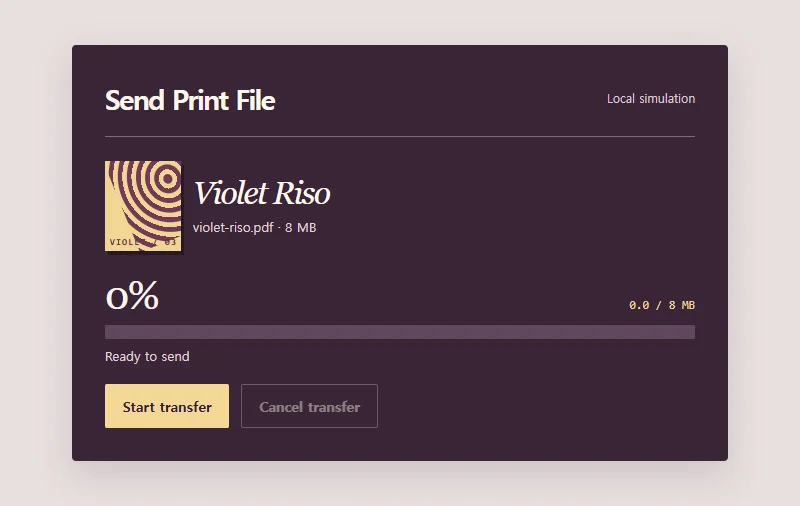 Try the motion
When to use it
Submitting print files, uploading media, or tracking a lengthy transfer.
How the motion works
Simulate sending an 8 MB print file locally over about six seconds. Pause freezes the progress bar. Resume sends the remaining portion, while retry after cancellation starts at zero.
How to use it
- iOS · Android
- Tap to start the file transfer. Pause it, then resume and watch progress continue from that point.
- PC
- Tab to the transfer control and use Enter to start, pause, or resume.
Example files and implementation notes
Choose a device in the demo and save the motion to your collection to download the working HTML and implementation notes as a ZIP.