
Filter a reading list by topic and share it
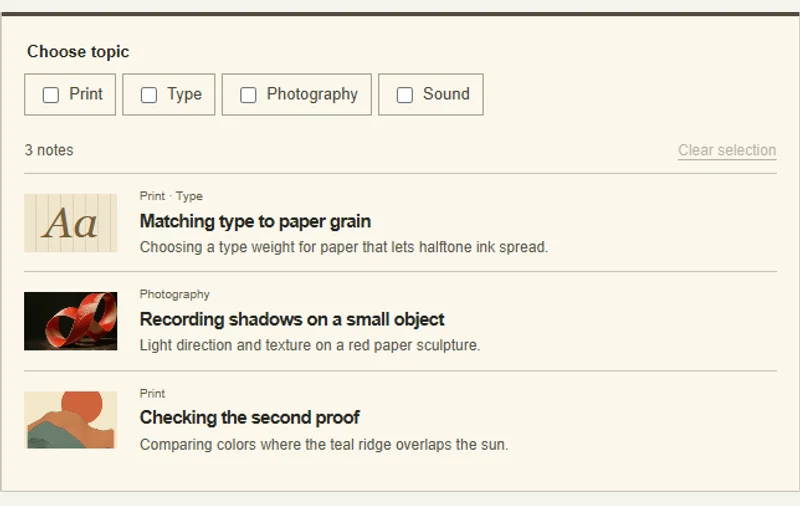
Choosing a topic updates both the reading list and its shareable address.
 Try the motion
When to use it
Editorial archives and resource collections filtered by subject.
How the motion works
The unfiltered state displays all notes. A topic keeps only matching entries in view.
How to use it
Choose a topic, compare the remaining notes, then try the browser's Back button.
Example files and implementation notes
Choose a device in the demo and save the motion to your collection to download the working HTML and implementation notes as a ZIP.