
Undo a saved artwork from a notification
Saving an artwork shows a brief confirmation with an option to undo.
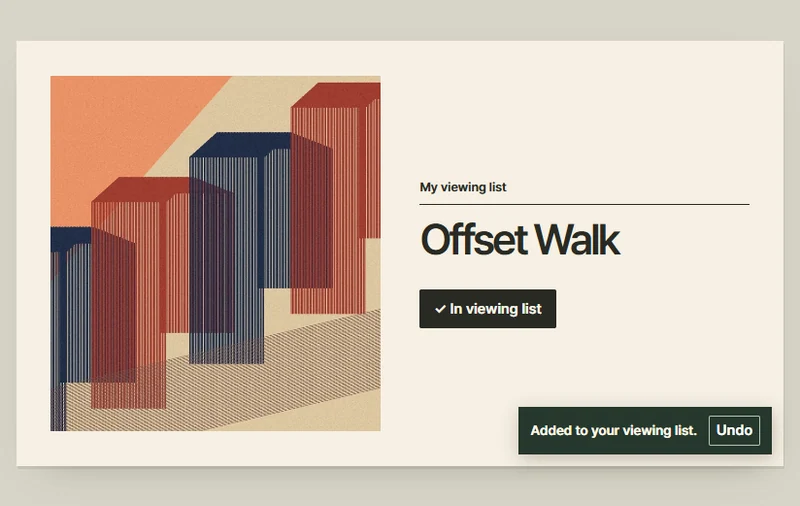 Try the motion
When to use it
Reversible actions such as saving an item to a list.
How the motion works
The confirmation and the saved state refer to the same artwork.
How to use it
- iOS
- Save the artwork and tap Undo in the banner at the top.
- Android
- Save the artwork and tap Undo in the snackbar at the bottom.
- PC
- Add the artwork to the viewing list and use the notification to undo the change.
Example files and implementation notes
Choose a device in the demo and save the motion to your collection to download the working HTML and implementation notes as a ZIP.