
Scrub a timeline to find a frame
Scrubbing moves through an illustrated eight-second film one frame position at a time.
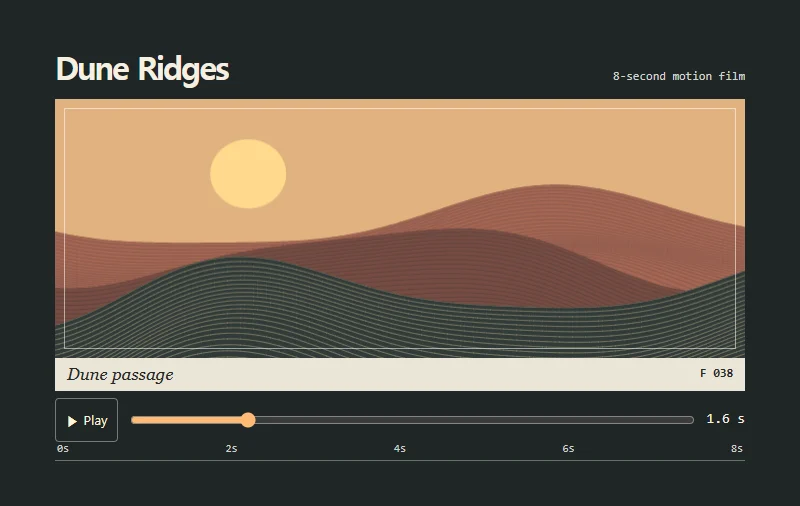 Try the motion
When to use it
Media players, animation previews, and time-based editors.
How the motion works
Seek across eight seconds in 0.1-second steps. Manual seeking pauses playback and holds the selected frame. Playing from the end starts the film again.
How to use it
- iOS · Android
- Tap or drag along the time slider to compare frames.
- PC
- Drag the time slider, or focus it and use the left and right arrows to seek in 0.1-second steps.
Example files and implementation notes
Choose a device in the demo and save the motion to your collection to download the working HTML and implementation notes as a ZIP.