
Switch between an artwork and its notes with tabs
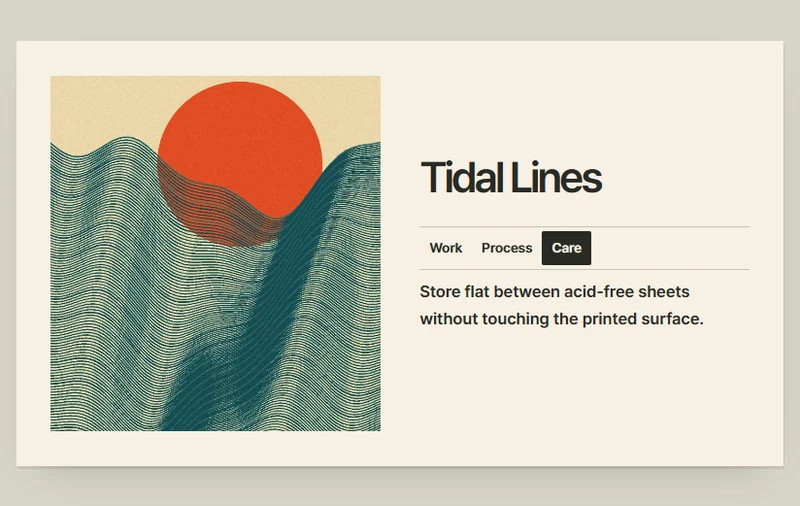
Tabs switch between an artwork, its production notes, and its care instructions.
 Try the motion
When to use it
Different aspects of the same item that share one detail area.
How the motion works
The selected tab identifies the visible panel. Switching tabs keeps the artwork in view.
How to use it
- iOS · Android
- Tap between the artwork, production, and care records.
- PC
- Choose a tab, or focus a tab and use the arrow keys.
Example files and implementation notes
Choose a device in the demo and save the motion to your collection to download the working HTML and implementation notes as a ZIP.