
Resize two panes with a draggable divider
A movable divider gives more room to either the print or its notes.
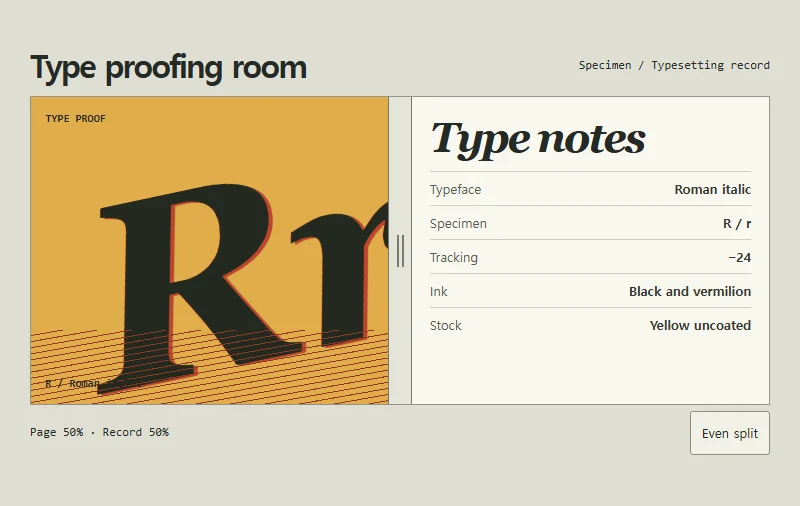 Try the motion
When to use it
Editors and workspaces with a preview beside an inspector or record.
How the motion works
Limit the print pane to 25–75% of the width. Arrow keys move the divider by two percentage points. Home and End select the limits, and the equal-split control returns it to 50%.
How to use it
- iOS · Android
- Drag the middle handle sideways to give the print or the notes more space.
- PC
- Drag the handle, or focus it with Tab and use the left and right arrows, Home, or End.
Example files and implementation notes
Choose a device in the demo and save the motion to your collection to download the working HTML and implementation notes as a ZIP.