
Choose a sharing channel from an artwork
The share icon beside a print opens a channel picker as the artwork dims behind it.
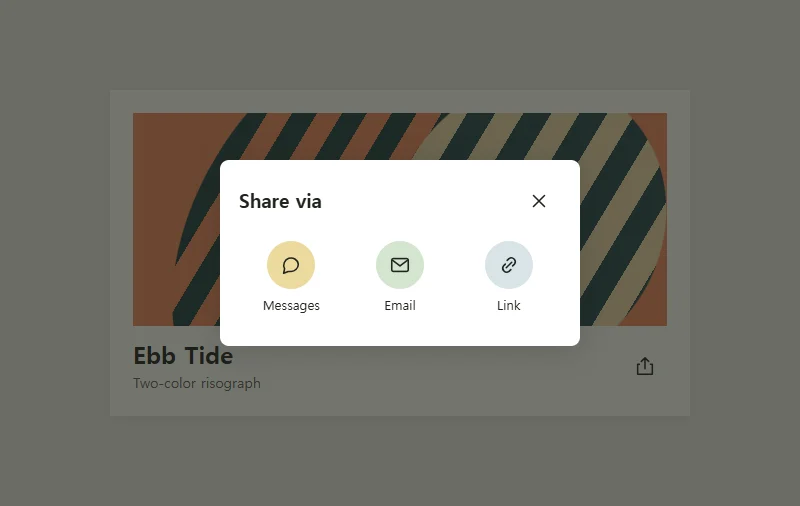 Try the motion
When to use it
Let readers choose where to share a product or artwork while keeping their place.
How the motion works
The backdrop fades in and out over 250 ms. The open dialog blocks background controls. With reduced motion enabled, it opens and closes immediately.
How to use it
- iOS
- Tap the share icon, then choose a channel. Tap outside the dialog to cancel.
- Android
- Tap the share icon and choose a channel. Use Close to return to the print.
- PC
- Press Enter on the share icon. Tab to a channel, or press Escape to close the dialog.
Example files and implementation notes
Choose a device in the demo and save the motion to your collection to download the working HTML and implementation notes as a ZIP.