
Read a poster’s production story as you scroll
A poster changes as you read each stage of its production.
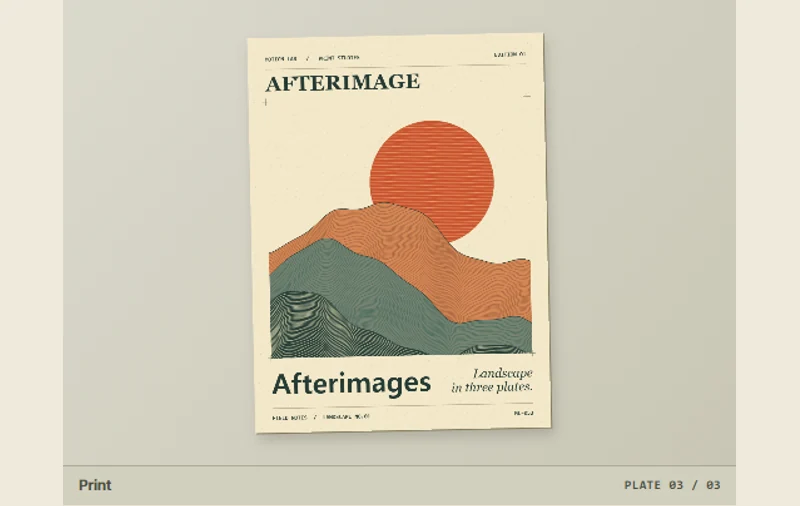 Try the motion
When to use it
Connecting an illustration with the passage that explains it.
How the motion works
The sketch, color plates, and print each have a corresponding stage in the poster preview.
How to use it
- iOS · Android
- Swipe up through the text or tap a stage name to change the poster.
- PC
- Scroll through the production notes or select a stage by name.
Example files and implementation notes
Choose a device in the demo and save the motion to your collection to download the working HTML and implementation notes as a ZIP.