
Open an interactive sample from a notebook shelf
Each notebook on a shelf opens an interactive sample of its own.
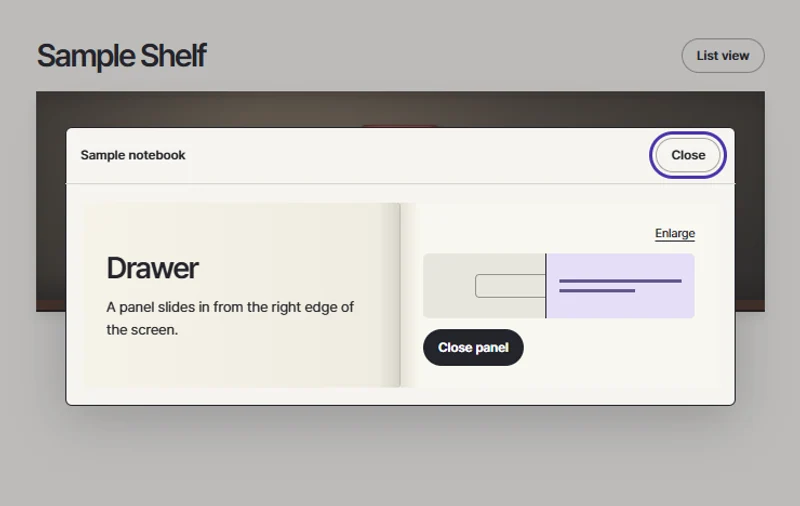 Try the motion
When to use it
Libraries or portfolios where visitors explore a few demonstrations at a time.
How the motion works
Keep the connection between the book on the shelf and the open sample visible as visitors move between them.
How to use it
- iOS · Android
- Tap a book spine, try the sample in the open notebook, and close it to return to the book you chose.
- PC
- Choose a notebook, try the sample inside, then return to the shelf.
Example files and implementation notes
Choose a device in the demo and save the motion to your collection to download the working HTML and implementation notes as a ZIP.