
Choose a quantity within the stock limit
The available stock determines which quantity controls can be used.
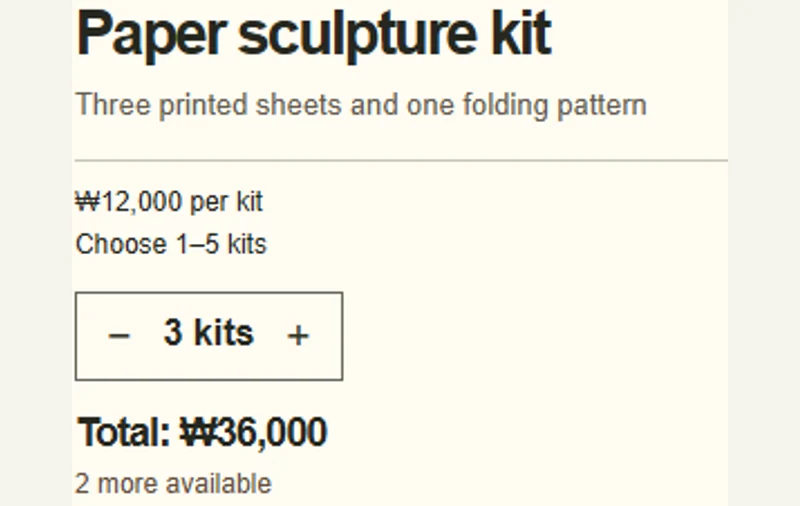 Try the motion
When to use it
Ordering supplies, reserving equipment, or allocating limited stock.
How the motion works
Disable the decrease control at the minimum and the increase control at the stock limit.
How to use it
Adjust the number of workshop kits and check the limits, total, and remaining stock.
Example files and implementation notes
Choose a device in the demo and save the motion to your collection to download the working HTML and implementation notes as a ZIP.