
Pull to refresh a print log
Pulling down on a print log adds a newly arrived record.
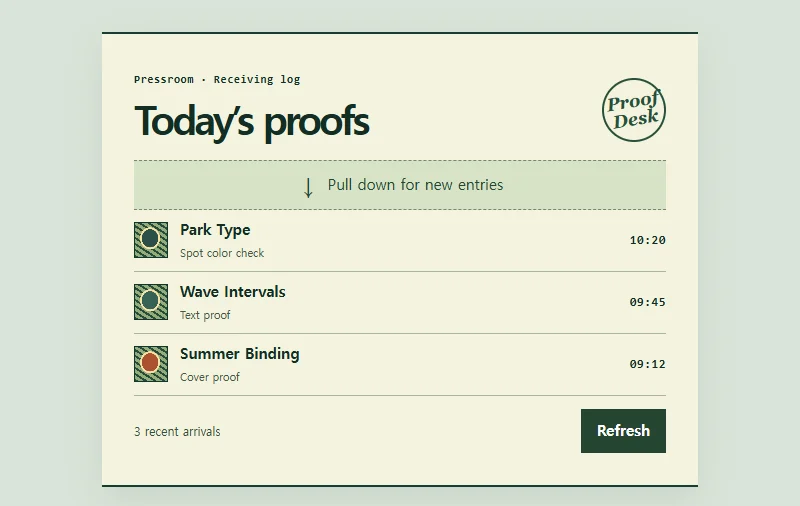 Try the motion
When to use it
Refreshing feeds or work queues at the reader's request.
How the motion works
The trigger requires 82px of pointer movement. An early release or cancellation returns the list to rest. While refreshing, ignore repeat input. Each refresh adds one of three sample records. Reduced motion uses a status message in place of rotation.
How to use it
- iOS
- Pull down from the arrow at the top and release. You can also tap the refresh button.
- Android
- Pull down from the arrow and release when the refresh message appears.
- PC
- Drag the top of the list downward, or focus the refresh button and press Enter.
Example files and implementation notes
Choose a device in the demo and save the motion to your collection to download the working HTML and implementation notes as a ZIP.