
Inspect halftone dots with a print loupe
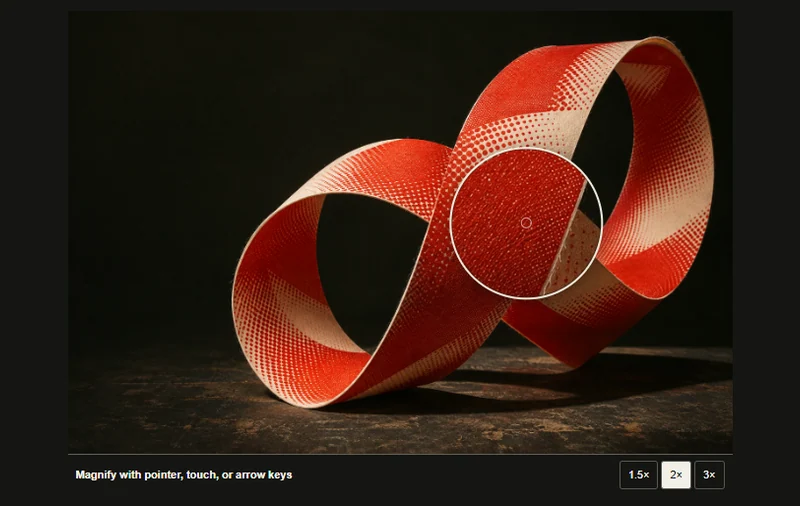
A movable magnifier reveals the halftone dots on a paper sculpture.
 Try the motion
When to use it
Inspecting texture and surface detail in artwork or product photography.
How the motion works
- iOS · Android
- Track the touched position and let the visitor select magnification using the controls below the image.
- PC
- The lens samples the original image at the point under inspection. Visitors can choose among three magnifications.
How to use it
- iOS · Android
- Touch and move across the photograph to inspect the halftone dots. Select a magnification below.
- PC
- Move the loupe over the photograph and try another magnification. Arrow keys also move the loupe.
Example files and implementation notes
Choose a device in the demo and save the motion to your collection to download the working HTML and implementation notes as a ZIP.