
Create depth by scrolling an image behind text
An image moves at a different rate from the text in front of it.
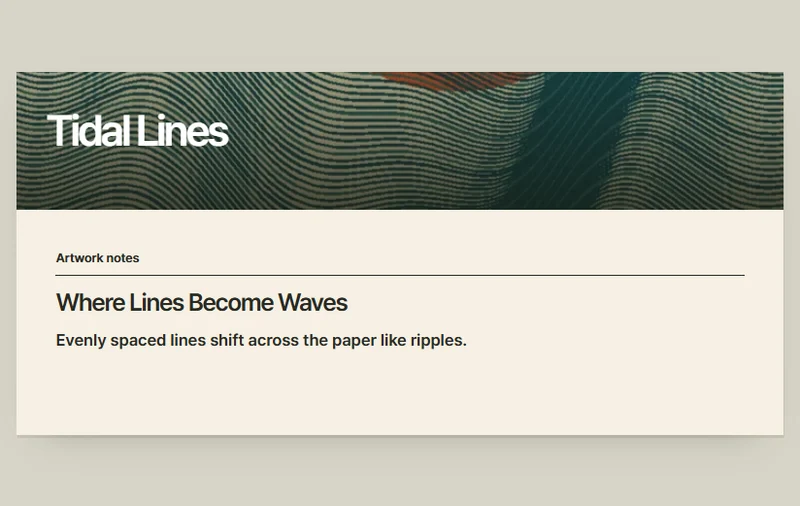 Try the motion
When to use it
Creating depth behind captions or an illustrated story.
How the motion works
Both layers respond to the same scroll position.
How to use it
- iOS · Android
- Swipe up through the notes and compare the movement of the picture and text.
- PC
- Scroll through the inner reading area and compare the two layers.
Example files and implementation notes
Choose a device in the demo and save the motion to your collection to download the working HTML and implementation notes as a ZIP.