
Compare a swallow’s wingbeat across adjacent drawings
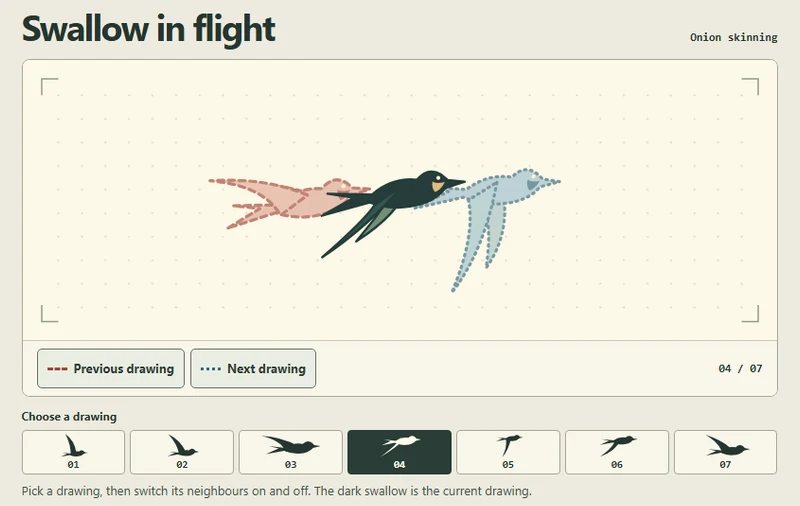
The selected swallow stays solid while translucent copies of the adjacent drawings appear around it. Compare how far the bird travels and where its wingtip turns.
 Try the motion
When to use it
Check the spacing of hand-drawn poses and decide where an in-between drawing would help.
How the motion works
Choose one of seven drawings. The previous drawing has a red dashed outline and the next has a blue dotted outline. At either end, only existing neighbours appear. Switching drawings preserves both toggle settings.
How to use it
- iOS
- Tap a drawing number, then tap Previous drawing and Next drawing separately to compare the wings.
- Android
- Tap a drawing number to change the active pose. Tap Previous drawing or Next drawing to show or hide each neighbour.
- PC
- Click a drawing number or Tab to the selected drawing and use the arrow keys. Press Space or Enter on a drawing toggle to show or hide that neighbour.
Example files and implementation notes
Choose a device in the demo and save the motion to your collection to download the working HTML and implementation notes as a ZIP.