
Review a print proof in a modal dialog
A dialog displays a proof and returns you to the original task when you close it.
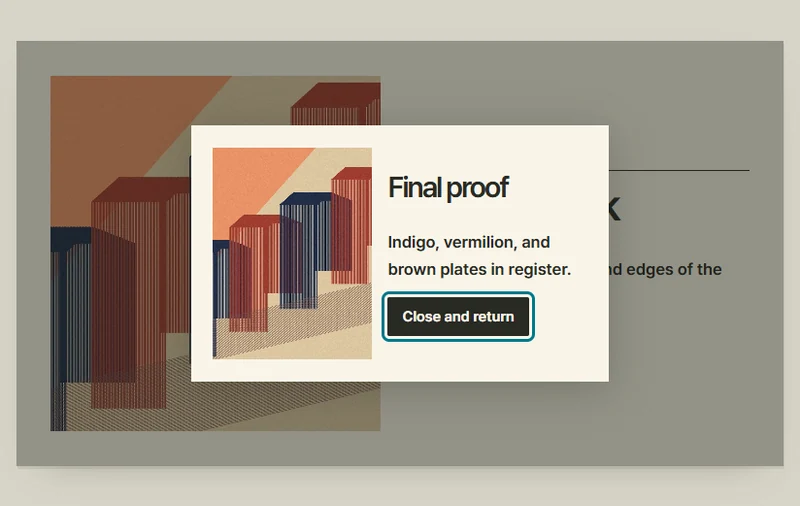 Try the motion
When to use it
Reviewing an important result before resuming work.
How the motion works
- iOS
- Show the selected work in a rounded alert with a full-width close button at the bottom. Block the background while open and return focus to the proof button on close.
- Android
- Use a rounded dialog with a close button at the lower right. Block the background while open and return focus to the proof button on close.
- PC
- While the proof is open, background controls are unavailable. Closing the dialog restores focus to the proof button.
How to use it
- iOS
- Tap the proof button to review the alert, then use the full-width button at the bottom to return.
- Android
- Open the proof and dismiss the dialog at the lower right.
- PC
- Open the proof, then close the dialog or press Escape to return to its opener.
Example files and implementation notes
Choose a device in the demo and save the motion to your collection to download the working HTML and implementation notes as a ZIP.