
Hide a selection outline to inspect the ink edge
Black and white dashes travel around the edge of the selected shape on a print proof.
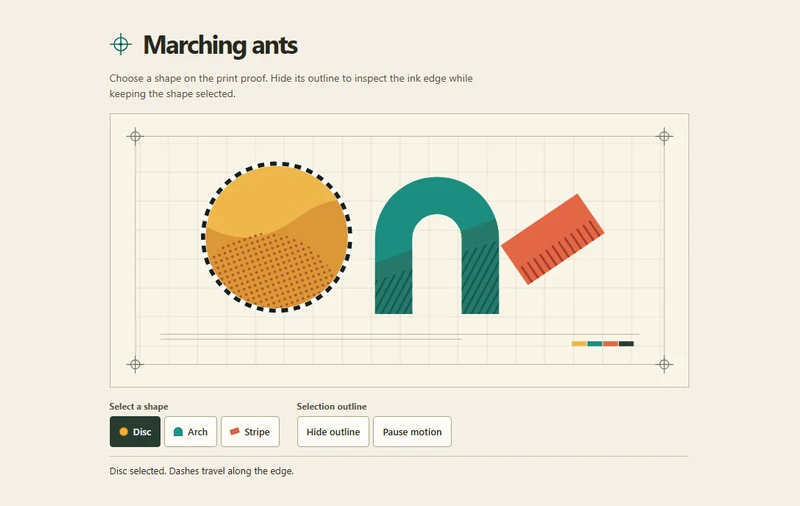 Try the motion
When to use it
Use it in illustration and print-proofing tools when a selection boundary obscures the artwork beneath it.
How the motion works
Draw the artwork and selection contour separately. Animate the dash offset on a matching SVG outline, freeze it in place when paused, and show static dashes when the device requests reduced motion.
How to use it
- iOS
- Tap a shape on the proof or its button below. Hide and show the outline to check which shape remains selected.
- Android
- Tap a shape or its button. Pause motion to freeze the dashes, or hide the outline to inspect the print.
- PC
- Click a shape, or Tab to its button and press Enter. Try Pause motion, then Hide outline to compare the two states.
Example files and implementation notes
Choose a device in the demo and save the motion to your collection to download the working HTML and implementation notes as a ZIP.