
Try an ink button that responds to the pointer
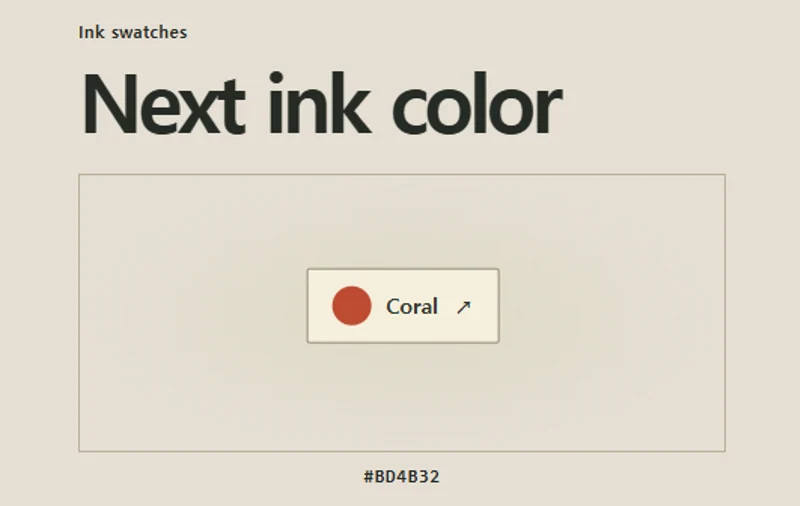
An ink button shifts slightly toward the approaching pointer.
 Try the motion
When to use it
Giving a small, prominent action a light directional response.
How the motion works
- iOS · Android
- Keep the swatch in place beneath the finger. Give it a brief pressed state and update the selected ink.
- PC
- Pointer movement offsets the button locally. Activation cycles through the three inks and updates the color value.
How to use it
- iOS · Android
- Tap the ink swatch to see its pressed state and switch to the next ink.
- PC
- Move the pointer around the swatch, then choose it to change the ink.
Example files and implementation notes
Choose a device in the demo and save the motion to your collection to download the working HTML and implementation notes as a ZIP.