
Move a divider to compare two floor plans
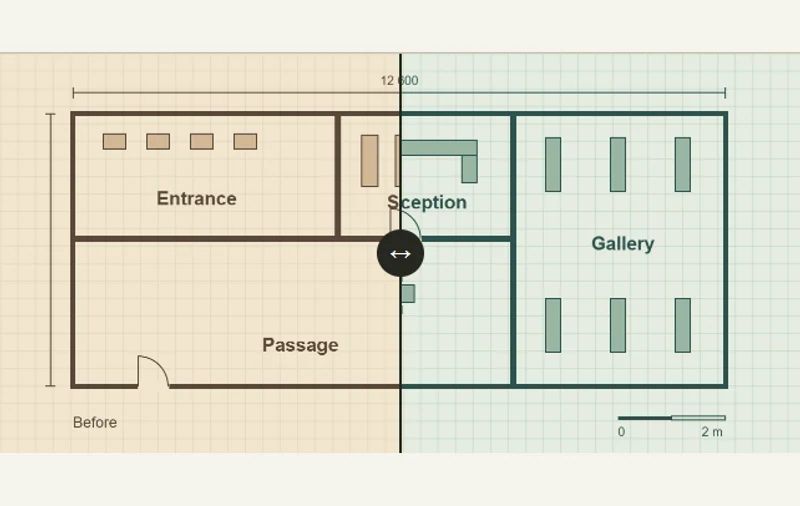
A movable divider reveals two versions of the same floor plan.
 Try the motion
When to use it
Comparing before-and-after images that share the same coordinates.
How the motion works
The slider starts at 50%. The three presets show the original plan, a half-and-half view, or the revised plan.
How to use it
- iOS · Android
- Drag the divider across the plan, or tap one of the preset positions below.
- PC
- Drag the divider, move it with the arrow keys, or choose one of the preset positions.
Example files and implementation notes
Choose a device in the demo and save the motion to your collection to download the working HTML and implementation notes as a ZIP.