
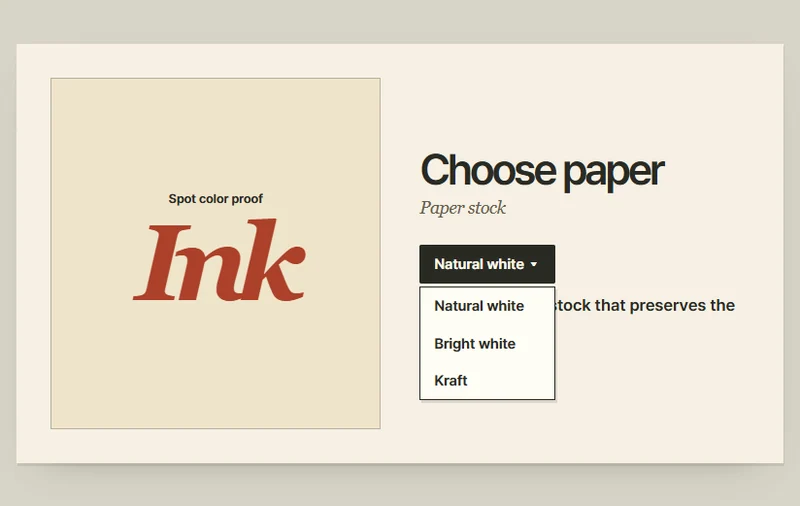
Choose a paper stock from a dropdown
Choosing a paper stock updates the selection, the swatch, and its description.
 Try the motion
When to use it
Choosing a single material, color, or other option from a short list.
How the motion works
Choosing an option closes the list and replaces the previous stock in the preview.
How to use it
- iOS · Android
- Tap the paper name, choose a stock, and compare the swatch.
- PC
- Open the paper list and select another stock to compare its color and description.
Example files and implementation notes
Choose a device in the demo and save the motion to your collection to download the working HTML and implementation notes as a ZIP.