
Snap a bottom sheet to three heights
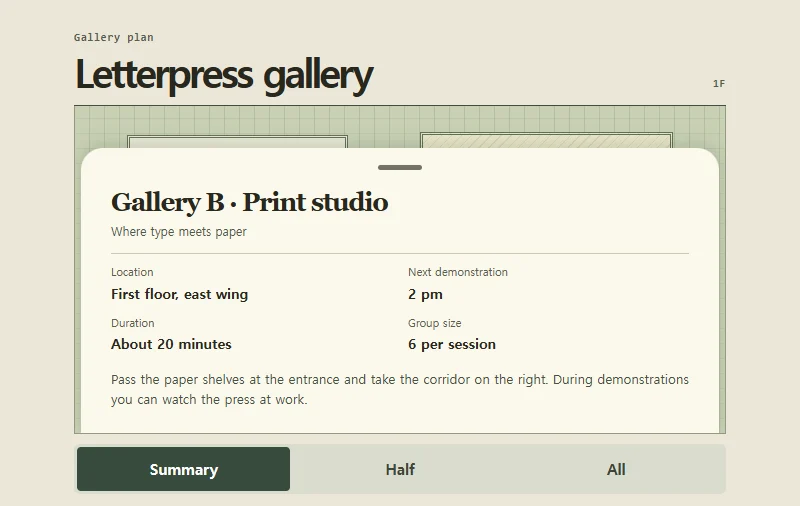
A bottom sheet settles at three heights over a gallery floor plan.
 Try the motion
When to use it
Map details, place information, and media controls where the background still matters.
How the motion works
The sheet rests at 30%, 58%, or 90% of the map height and snaps to the nearest stop when released. Escape or a canceled drag restores the starting height. The focused handle supports arrow keys, Home, and End.
How to use it
- iOS · Android
- Drag the sheet handle up or down to change its height, or tap one of the three height controls.
- PC
- Focus the handle and use the up and down arrows, Home, or End. You can also drag the handle.
Example files and implementation notes
Choose a device in the demo and save the motion to your collection to download the working HTML and implementation notes as a ZIP.