
Select a date range across calendar months
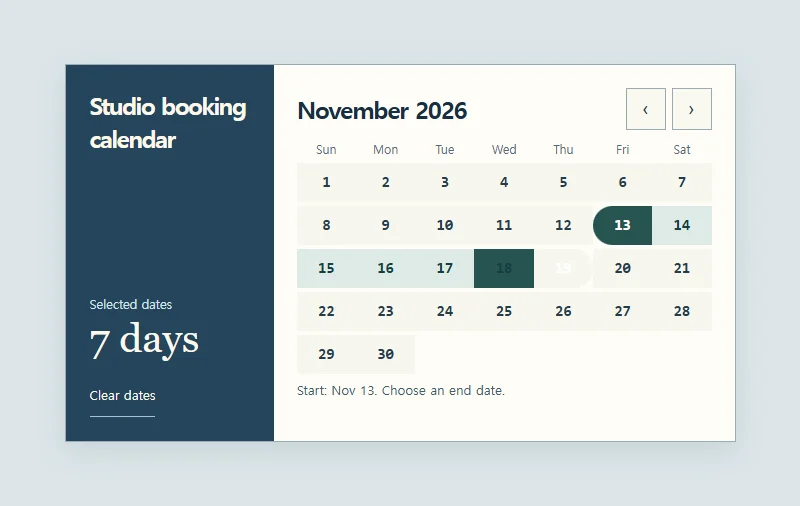
Two selected dates define a period across one or more months.
 Try the motion
When to use it
Booking dates, production schedules, and report filters.
How the motion works
The first date sets an anchor and the second confirms the range. Moving the pointer or keyboard focus previews the interval. Count both endpoints and normalize dates selected in reverse order.
How to use it
- iOS
- Tap the first and last dates. Use the month arrows for a range that crosses into another month.
- Android
- Tap two dates to set the range, then try clearing the selection.
- PC
- Move with the arrow keys and press Enter or Space to select each end. Page Up and Page Down change months.
Example files and implementation notes
Choose a device in the demo and save the motion to your collection to download the working HTML and implementation notes as a ZIP.