
Inspect ink density with a custom cursor
A sampling cursor reports ink density at the point being inspected.
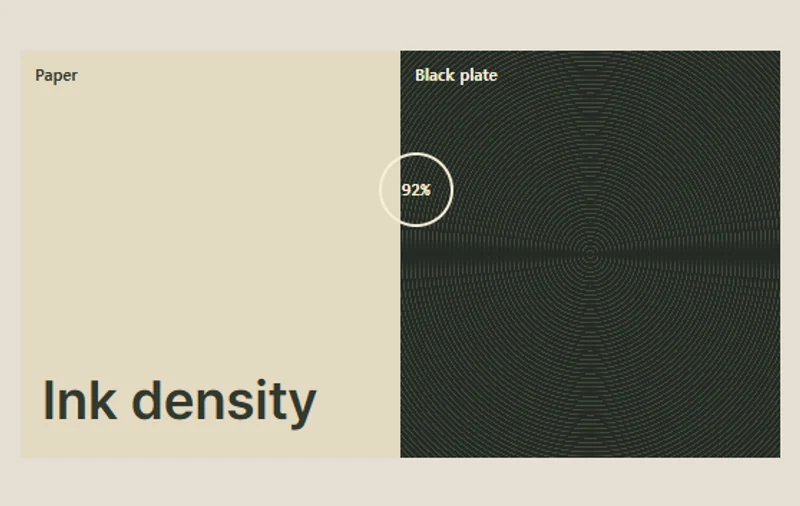 Try the motion
When to use it
Reading a local value on a material sample or data surface.
How the motion works
- iOS · Android
- Respond to a tap or drag by updating the density at the touched position.
- PC
- Report the density as a percentage and allow position changes from the keyboard.
How to use it
- iOS · Android
- Press and move across the paper or black plate to read the density at your fingertip.
- PC
- Move across the sample, or focus the surface and use the arrow keys.
Example files and implementation notes
Choose a device in the demo and save the motion to your collection to download the working HTML and implementation notes as a ZIP.