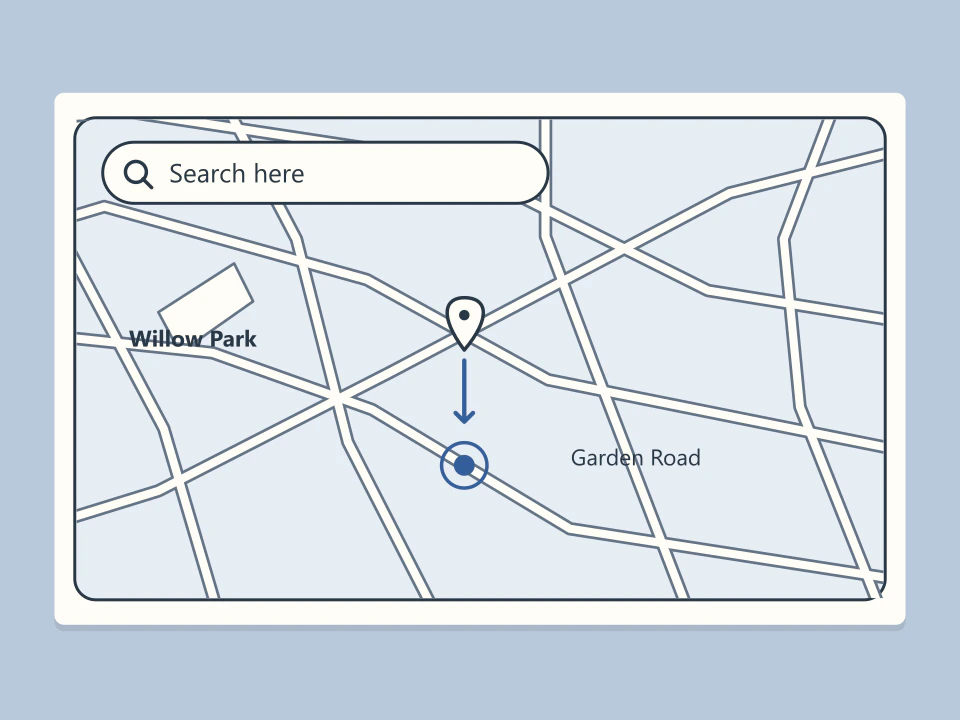
Zoom with one finger
On the Android map, double-tap a spot and keep your finger down on the second tap. Drag down to zoom in on that spot or up to see a wider area.
 motionlab
Maps & data
A mapping service for places and routes. This study examines one-handed zoom in the mobile app.
Visit siteDouble-tap the map center, holding the second tap as you slide up or down.
On the Android map, double-tap a spot and keep your finger down on the second tap. Drag down to zoom in on that spot or up to see a wider area.
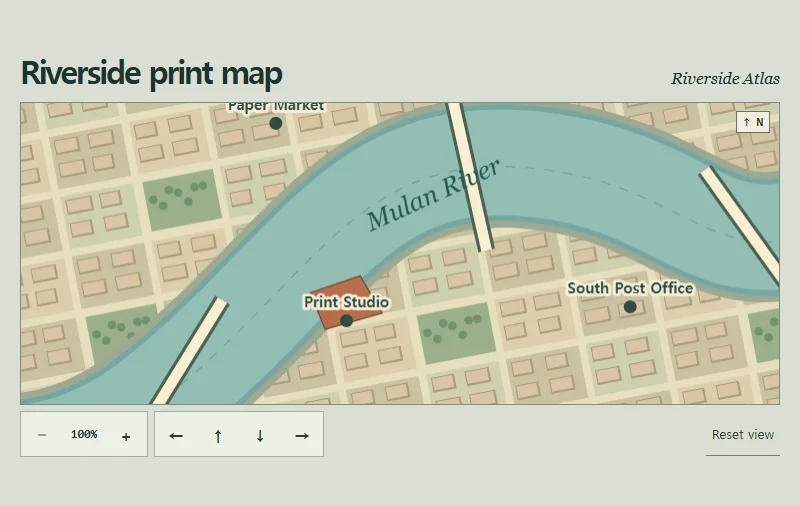
A hand-drawn riverside map can be moved and magnified around a chosen point.