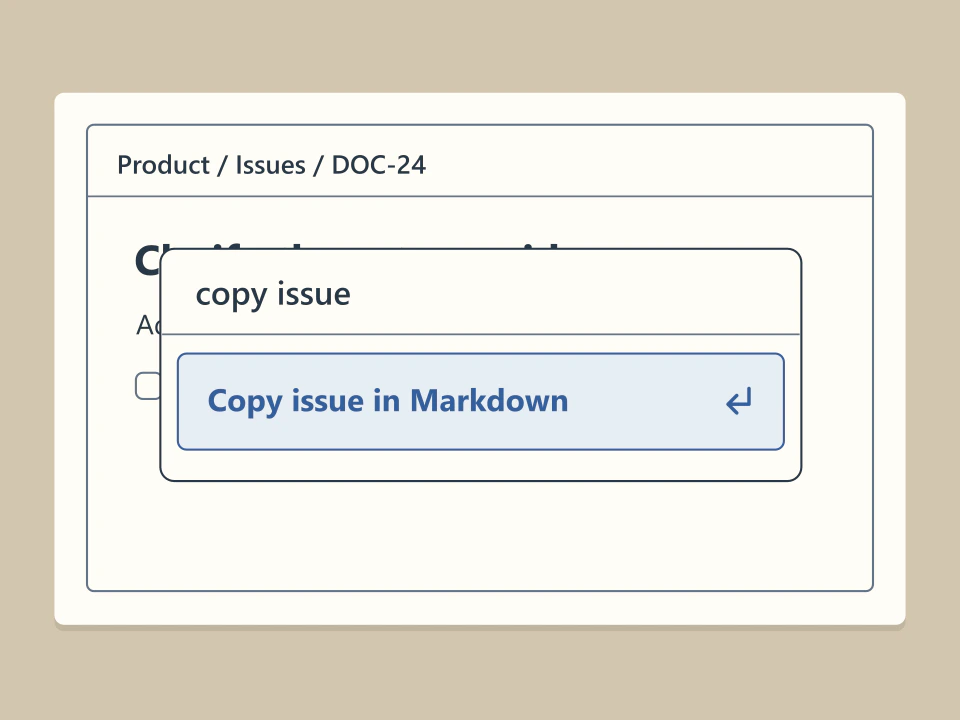
Copy an issue description from the command menu
While viewing an issue, press ⌘K or Ctrl+K and choose “Copy issue in Markdown.” The issue description goes to the clipboard as Markdown, ready to paste into another document.
 motionlab
Work & collaboration
An issue tracker for product teams. Commands are available from the keyboard while an issue remains open.
Visit siteTap the marked control or use the buttons below.
While viewing an issue, press ⌘K or Ctrl+K and choose “Copy issue in Markdown.” The issue description goes to the clipboard as Markdown, ready to paste into another document.
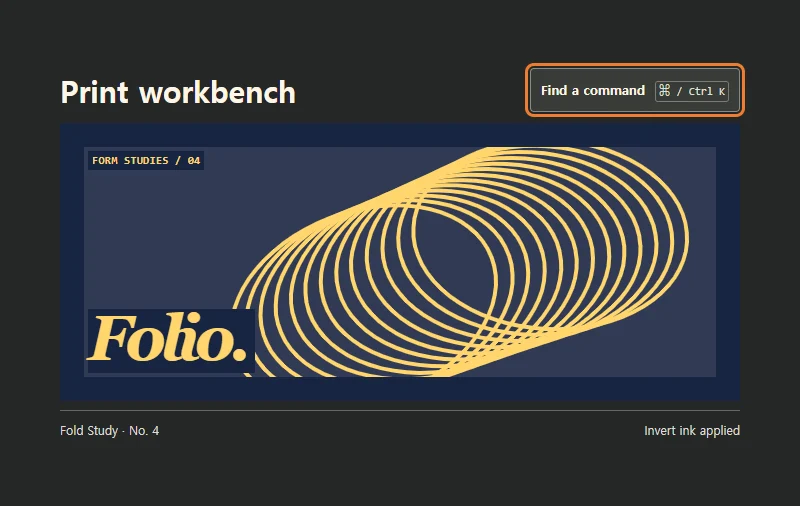
Search for an editing command and apply it to the print layout.