Skip to website content

Design & development

Figma

A design workspace for connecting frames into prototypes. See how layers carry across frames and how a keyboard navigates the canvas.

Visit site
Carry an element across prototype frames
MotionLab reconstructionSources and usage

Interface elements

02

Carry an element across prototype frames

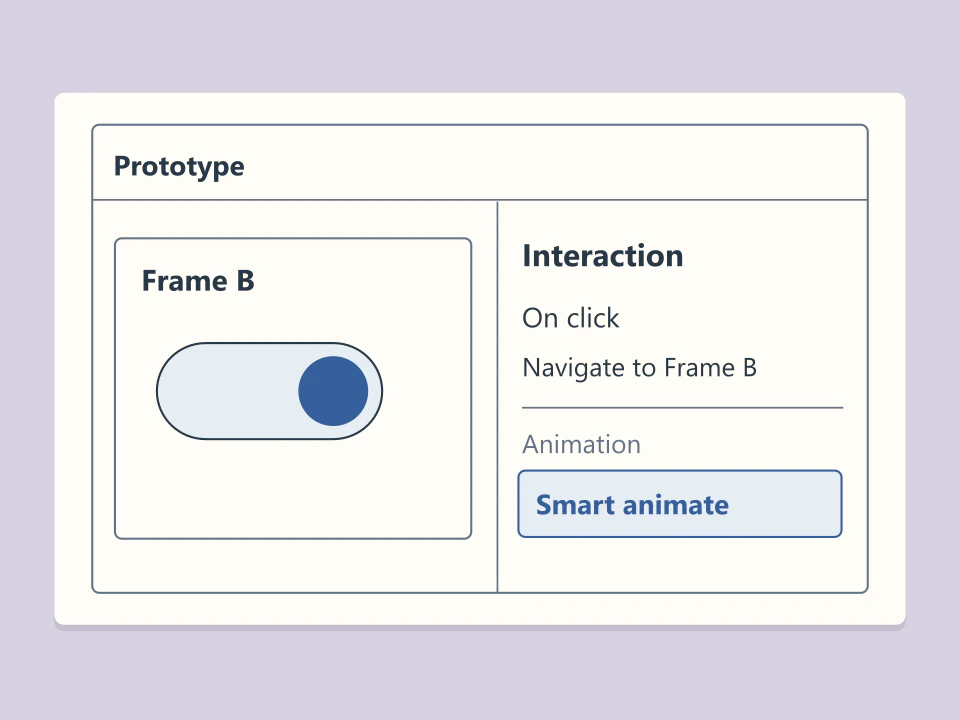
Give the corresponding layers the same name and hierarchy in both frames, then choose Smart animate for the transition. If the element sits elsewhere in the second frame, the prototype shows it moving from its original position.
Pan and zoom the canvas with the keyboard

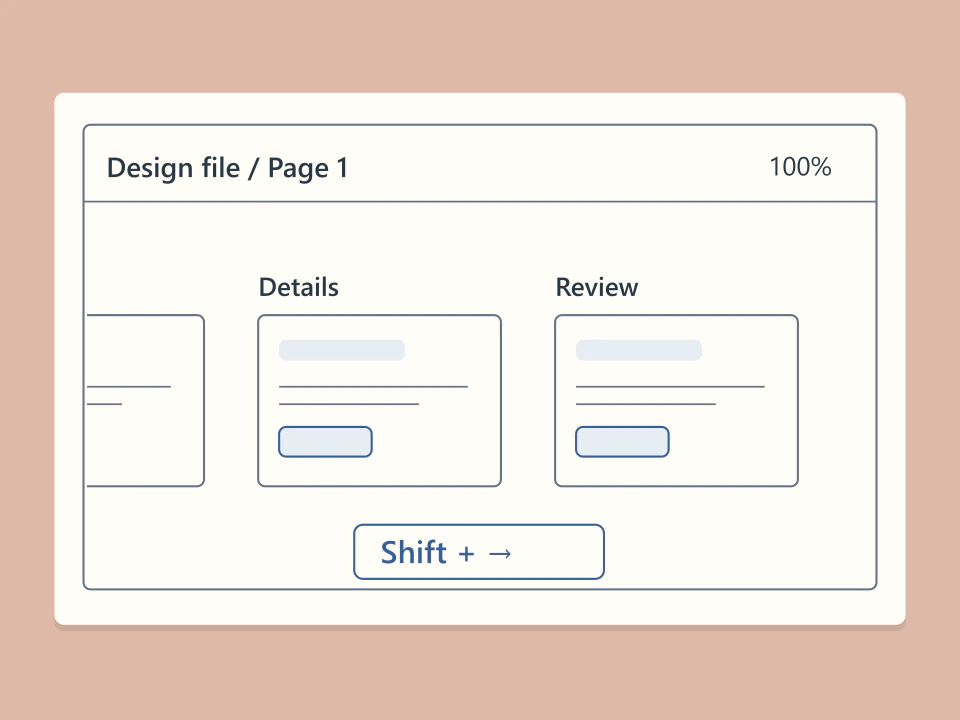
With nothing selected, use the arrow keys to move around the canvas. Hold Shift to cover more ground, or use ⌘ or Ctrl with + and − to change the zoom level.

Interactions in motion

02

Share link